 SchriftOhr
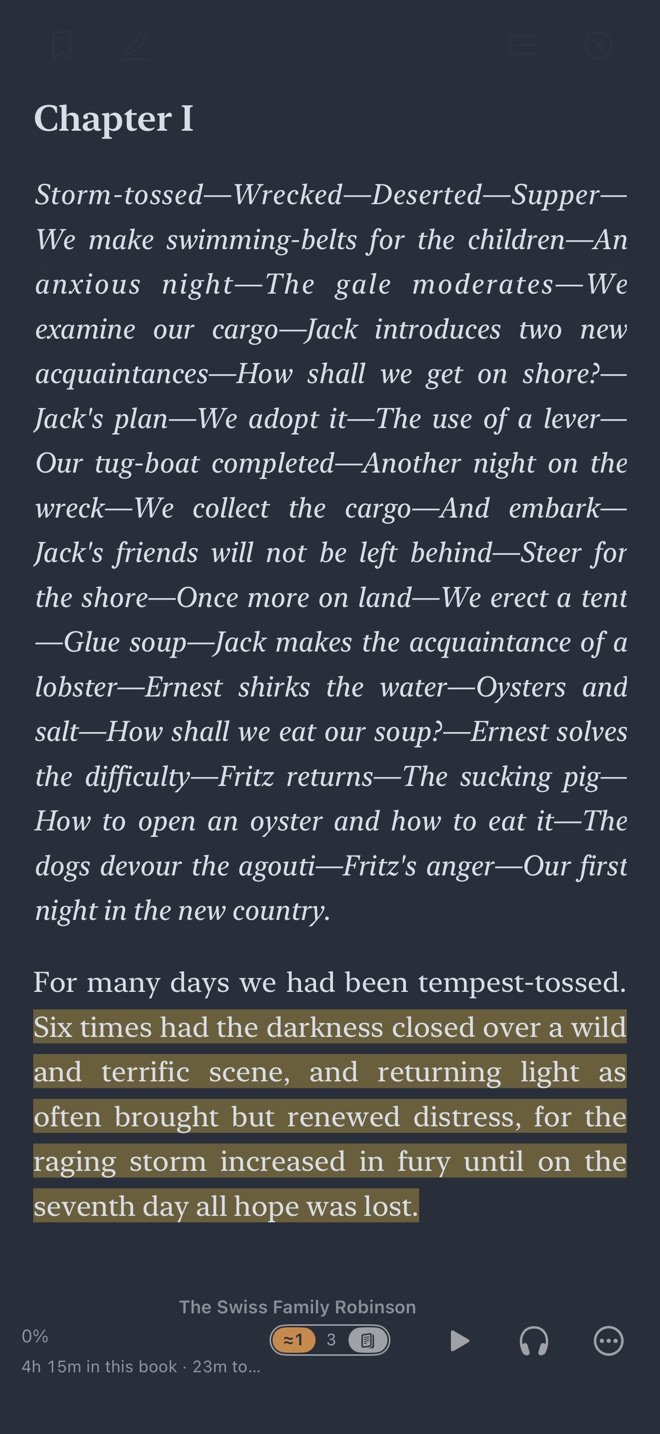
Reading
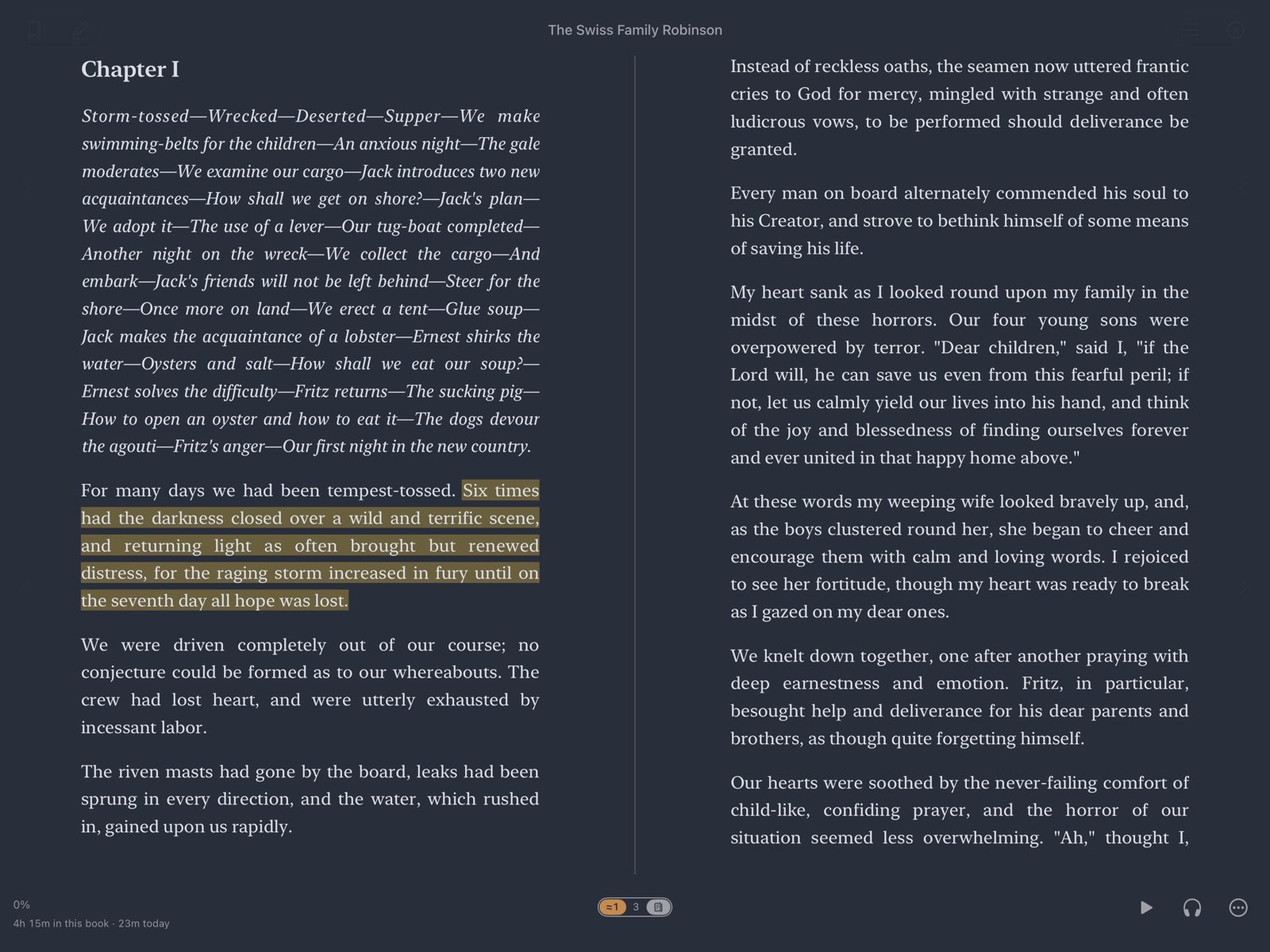
A real page to read
Pages you turn with your finger, or a page you scroll. Five looks, from Paper by day to Midnight after dark.
- Your own type size, margins and line spacing, and a face made for dyslexic readers
- One column, or a two-page spread on a wide screen
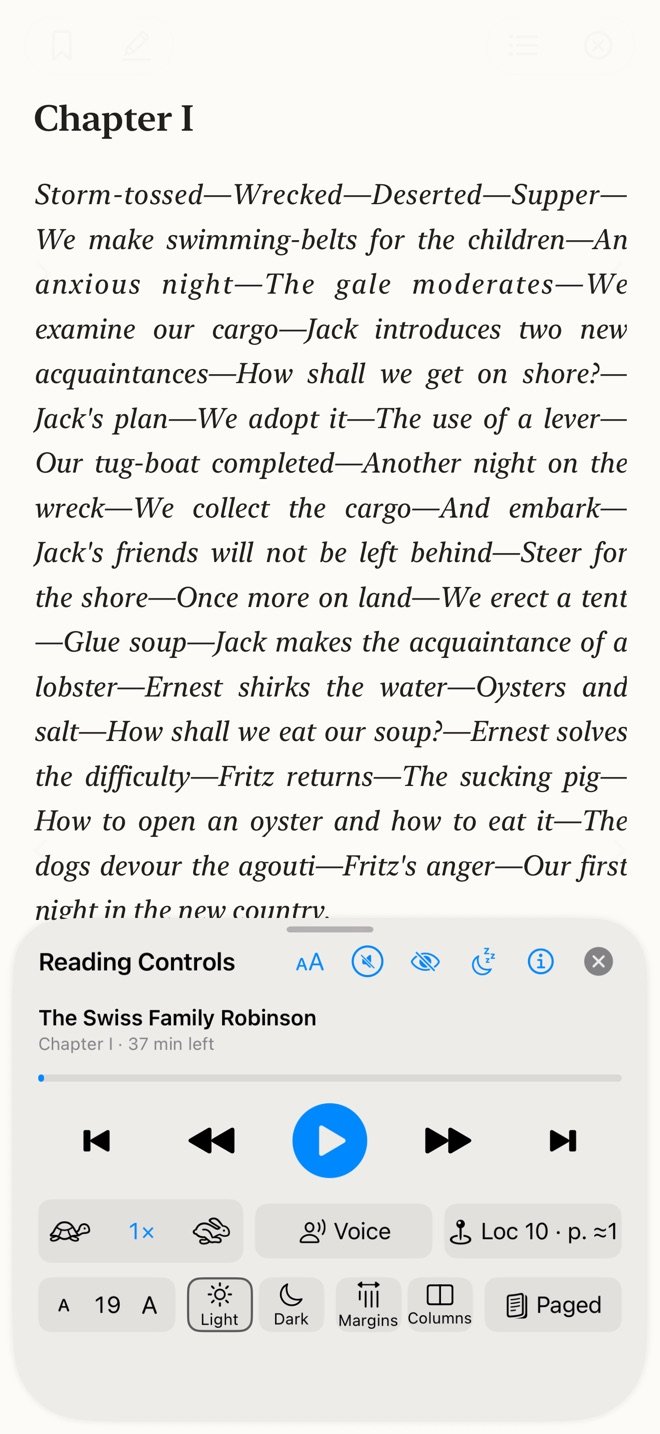
- Reading Controls sit one tap away, under the page number

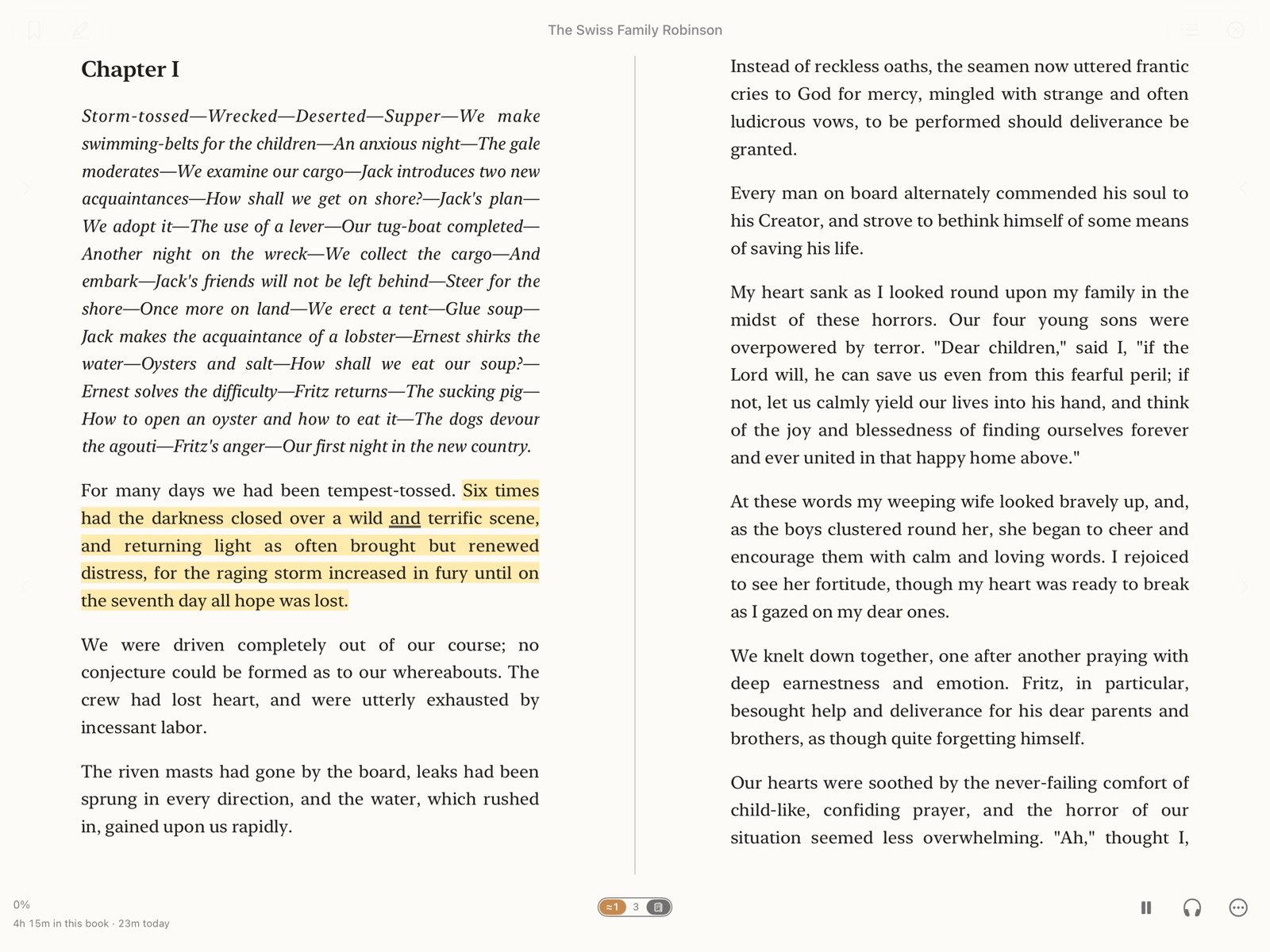
Listening
A voice that keeps your place
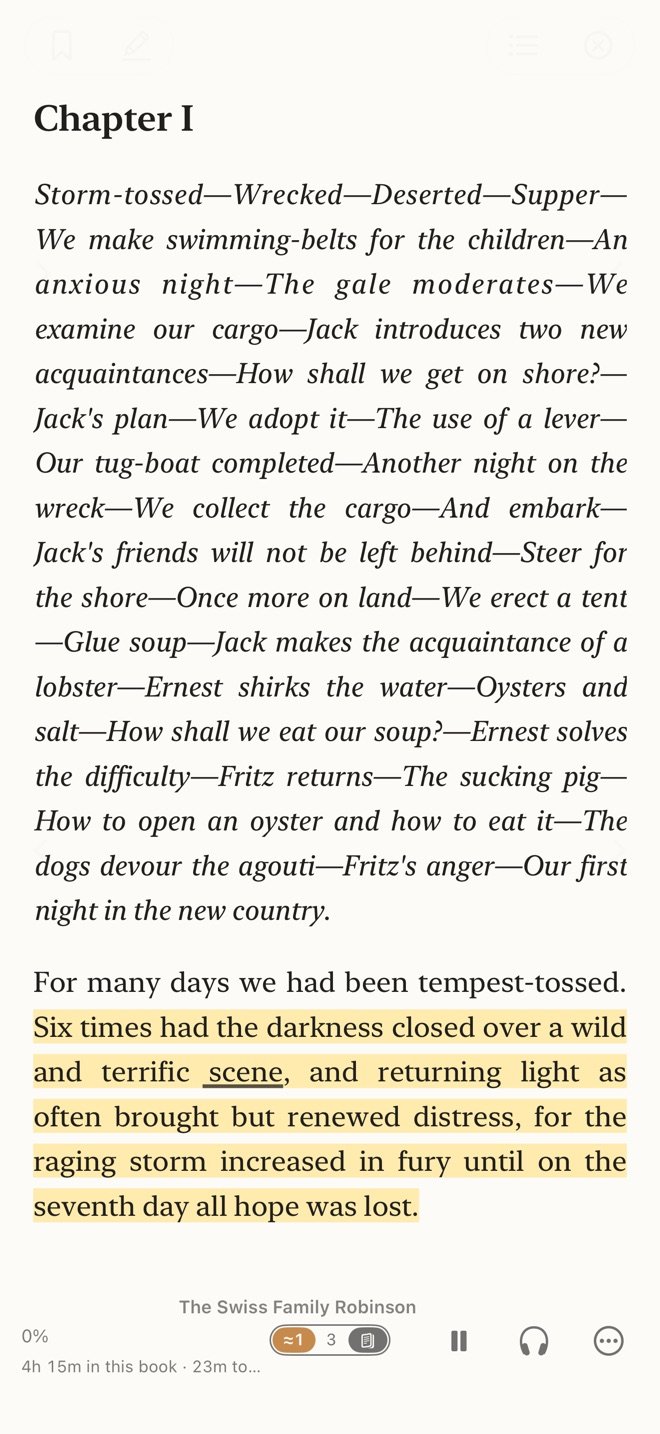
Press Play and the book is read to you, the sentence highlighted and the spoken word underlined. The page turns when the voice reaches the next one.
- Apple's voices, or nineteen neural voices that run on your device after one download
- It reads DRM-free EPUB, PDF, Markdown and plain text
- Names and odd words said the way you teach them, in every book
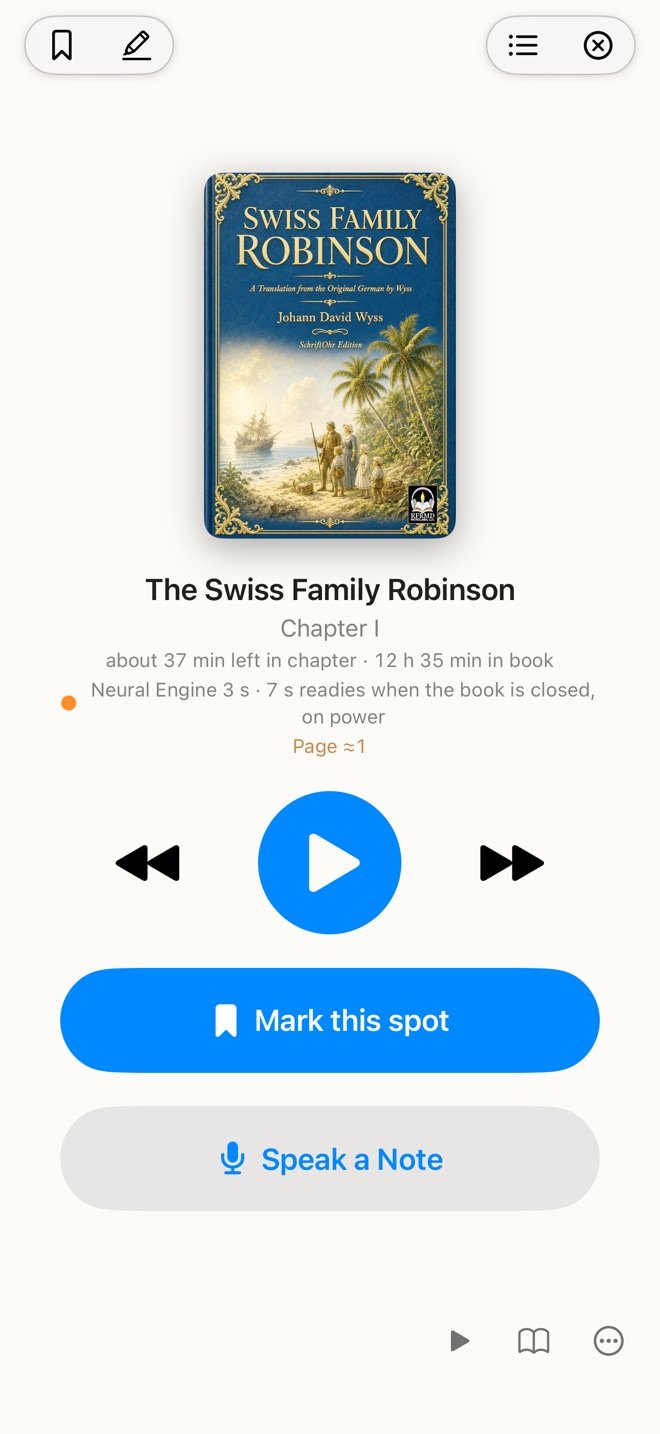
The player
Or just listen
Put the page away and you have a player: the cover, big controls, and how long is left in the chapter and in the book.
- A sleep timer that fades the voice down
- Listening with the screen off, and a driving view with large buttons
- Mark this spot with one tap, to come back to later
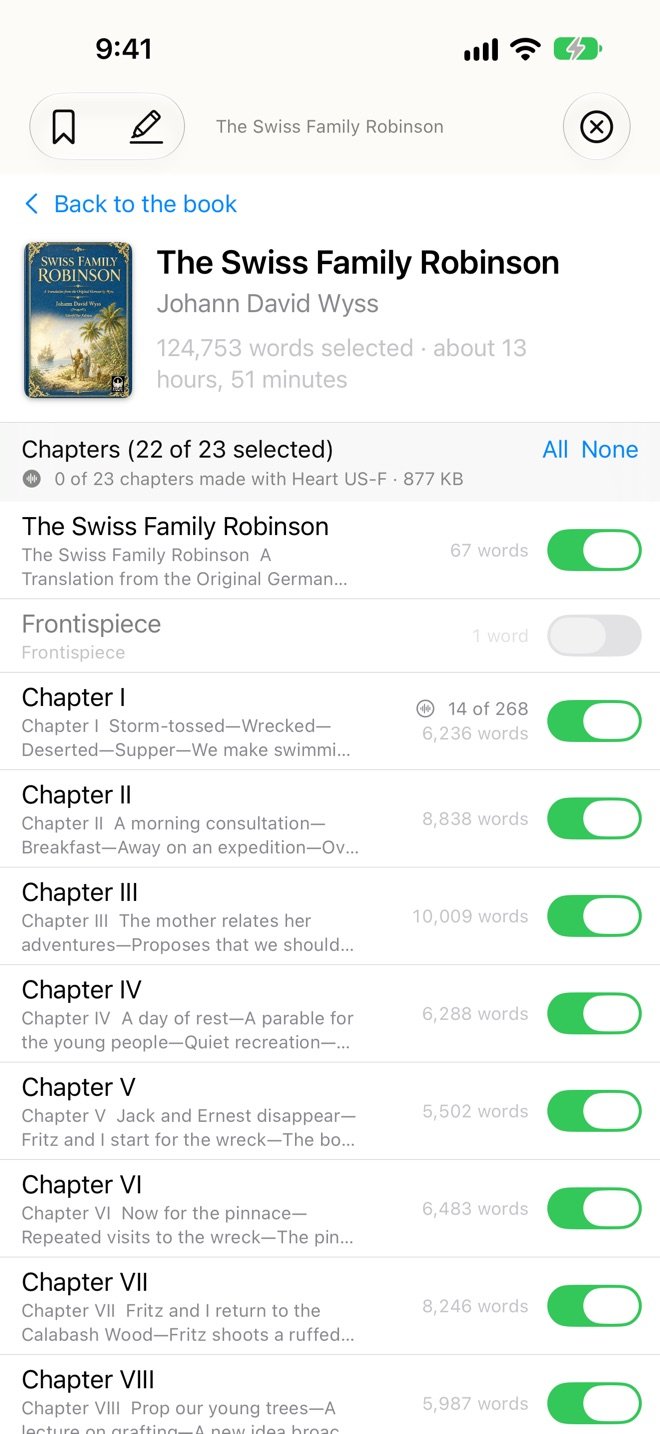
Audiobooks
Make it an audiobook
Have a book's audio made ahead of time, chapter by chapter, for listening in the app or as a file you keep.
- Give the main characters voices of their own, and the cast comes with it
- Audio you make is yours, for your own use
Your library
Your library, your files
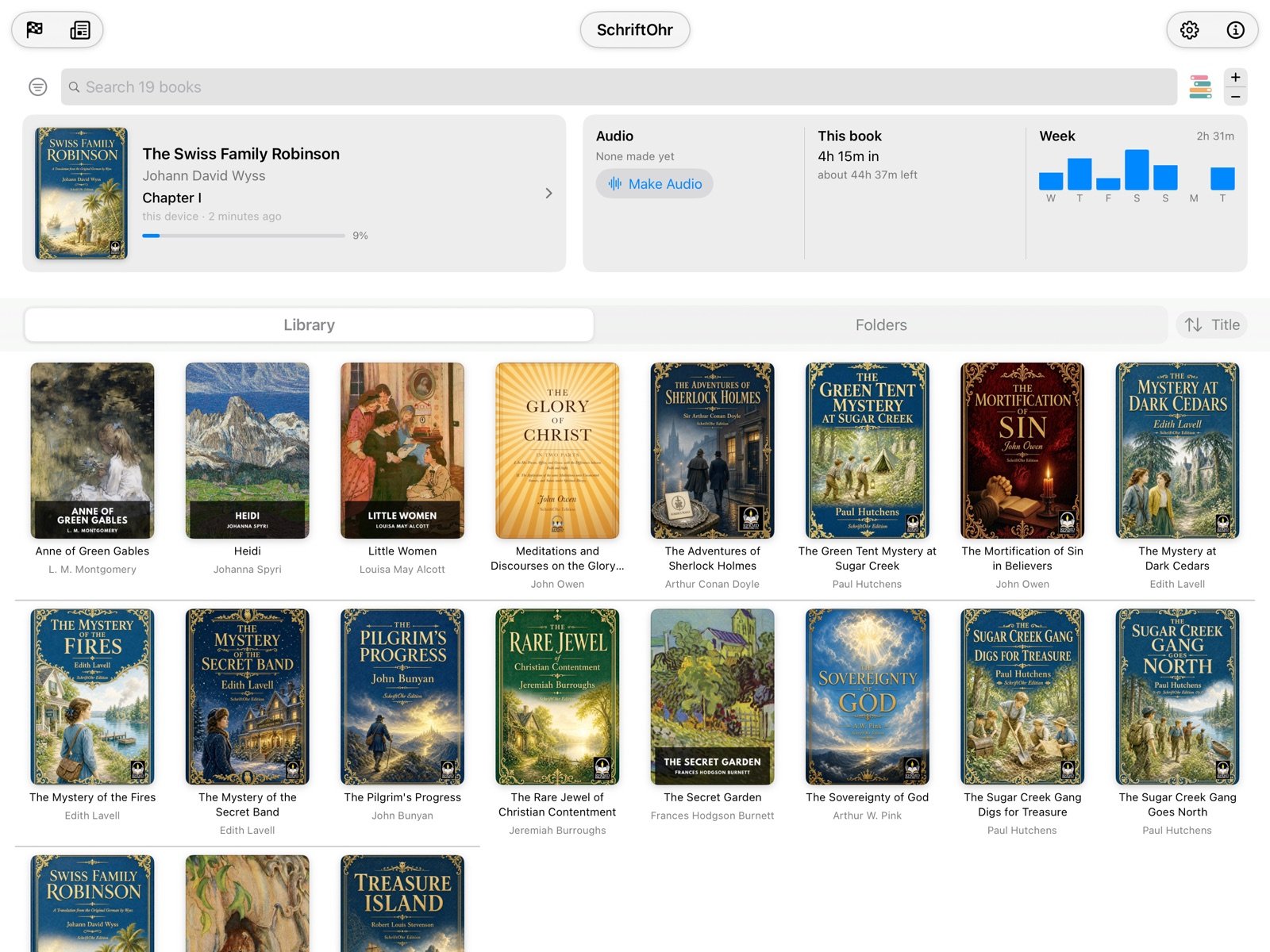
Point SchriftOhr at a folder of books you already own and it reads them where they are. Or keep them in its own library and they follow you through iCloud.
It opens books that come without copy protection, called DRM-free. A book locked to one store's own app will not open here. Some publishers sell their books as files you download and keep, and thousands of classics are free. Where to find them
- The first page shows the book you are in, how far along you are, and your week
- Search by title or author across everything
- Your place in every book is the same on each of your devices
The Notebook
Keep what you find
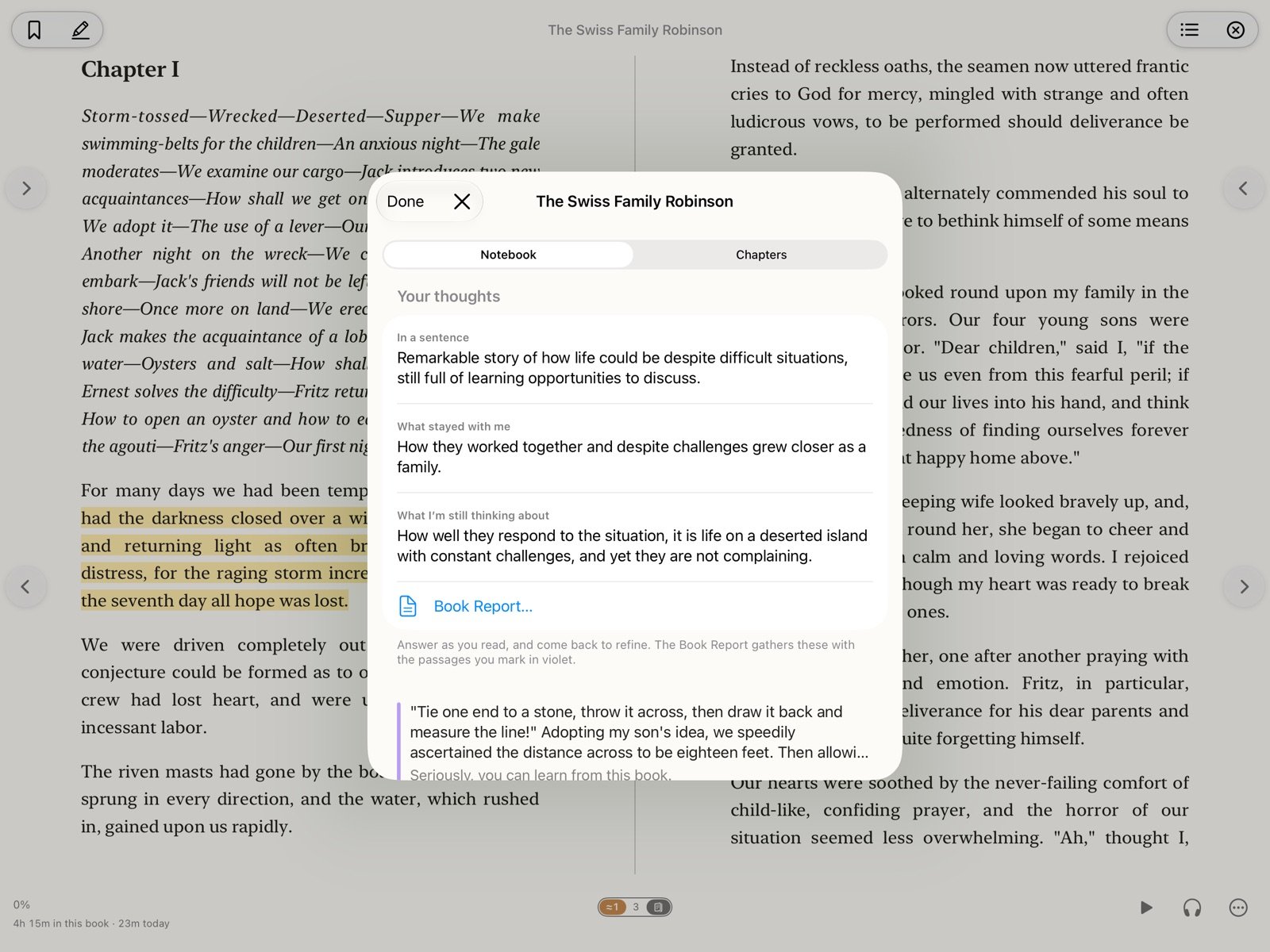
Hold a passage to keep it, in a colour and with a note. The Notebook gathers what you kept, in the order you read it.
- Three questions to answer as you read, and a book report at the end
- Everything goes out as one Markdown page, for MarkSchrift or any editor
- Find in Book, and a contents list that works while you read or listen
And the rest
The small things that make it yours.
A cast of voices
The app finds who speaks in a book. You give the main characters their own voices and the narrator reads the rest.
Teach it a name
Type a name as it is printed and how it should sound. Taught once, it holds in every book and on every device.
Says it right
Initials, dates, chapter and verse, and words that are spelled alike but said differently are read the way you would say them.
Read together
A reading circle is a small group reading one book: see where each of you is, the passages you mark and the notes you share. Circle guidelines
Footnotes handled
Notes are stepped over when the voice reads, or read aloud if you prefer.
For families
Outside catalogs sit behind an age check, with a parent's switch in Settings.
The SchriftOhr Editions
Free books, already on the shelf.
Classics we love, set with care to be read aloud, and new stories drawn from old sources. Free to read and free to keep, and already on the shelf inside the app.


Private by design
Your books, your place and your notes stay on your devices and in your own iCloud. There are no accounts, no analytics and no ads, and nothing you read is sent to us. The neural voice downloads once, and speech works offline from then on.
The privacy policy names every service the app talks to.
About the name
SchriftOhr is German for writing-ear: Schrift, writing, and Ohr, ear. Which is the whole app in one word: what is written, heard.
It shares its Schrift with MarkSchrift, from the same maker.